Every new Wi-Fi standard arrives with eye-catching speed numbers, and Wi-Fi 7 is no exception. Wider channels, smarter use of multiple bands at once, and more efficient modulation all add up to real improvements. Combined with multi-gigabit internet service becoming more common, it is tempting to think wireless can finally replace cables. In our experience planning home and small office networks, the opposite is true: the better wireless gets, the more it depends on solid wired infrastructure behind it. Here is what is new and how we design networks around it.
What Wi-Fi 7 actually brings
Wi-Fi 7 introduces several meaningful features. Support for very wide channels in the 6 GHz band increases peak throughput for capable devices. Multi-link operation lets a device use more than one band at the same time, improving speed and reducing latency spikes when one band is congested. Improved modulation squeezes more data into the same spectrum when signal quality is high. Together these improvements matter for things like large file transfers, VR, low-latency gaming, and busy environments with many devices.
The catch is that those headline speeds depend on ideal conditions: a capable client device, a strong signal, a clear channel, and short range. Walls, floors, and distance reduce performance quickly, especially at 6 GHz, which does not penetrate building materials as well as lower frequencies. Most real-world homes and offices will need multiple access points to deliver consistent performance everywhere.
Why access points need wires
The most common network complaint we hear is inconsistent Wi-Fi: great near the router, poor in the far bedroom or the back office. Mesh systems try to solve this by relaying signal wirelessly between nodes, and they work reasonably well in some homes. But wireless backhaul consumes airtime and adds latency, and performance degrades with every hop.
The reliable solution is to connect each access point to the network with an ethernet cable. Wired backhaul gives every access point full bandwidth to the core of the network, keeps the wireless spectrum free for client devices, and allows the access points to be placed exactly where coverage is needed. With Power over Ethernet, that same cable also powers the access point, so ceiling or wall mounting needs no nearby outlet.
Multi-gig changes cable and switch choices
Internet plans of two, five, and even ten gigabits are increasingly available, and Wi-Fi 7 access points often include multi-gig ethernet ports. To take advantage, the cabling and switches must keep up. Older Cat5e can support some multi-gig speeds over shorter runs, but for new installations we typically recommend Cat6A, which supports ten gigabits over full-length runs and handles higher PoE power levels with better heat performance. Fiber becomes attractive for long runs, connections between buildings, or backbone links between network closets.
Switches matter too. A gigabit switch will quietly cap a multi-gig access point or a fast workstation. We plan switch ports around actual needs: multi-gig and adequate PoE budget for access points, high-speed ports for NAS devices and workstations, and standard gigabit for everything else.
Structured cabling as long-term infrastructure
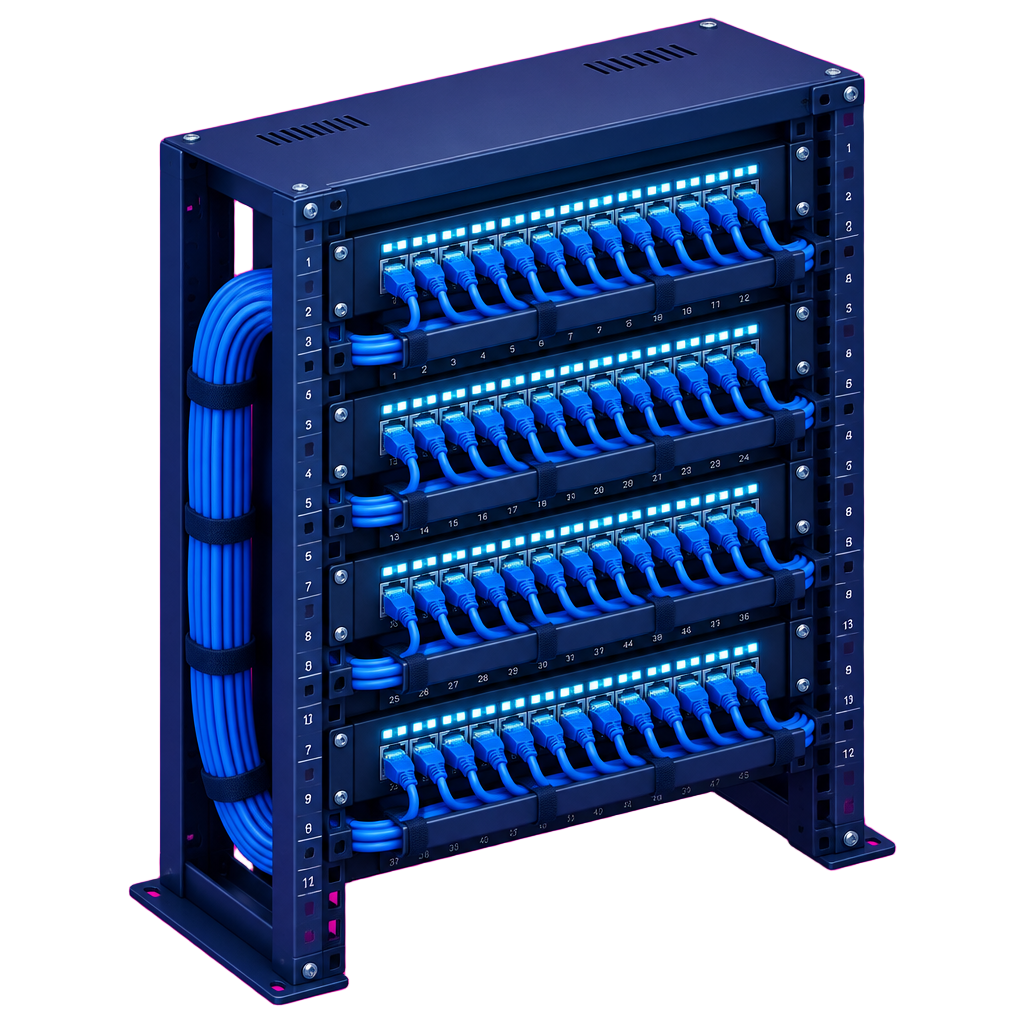
Cabling outlasts every device connected to it. Routers, access points, and switches will be replaced several times over the life of a building, but well-installed cable can serve for decades. That is why we treat wiring as infrastructure rather than an accessory. A structured cabling plan typically includes home runs from each drop to a central location, labeled patch panels, a properly ventilated rack or enclosure, surge protection, and a small UPS to keep the core network running through brief outages.
The best time to run cable is during construction or renovation, when walls are open. Planning drops before drywall goes up costs far less than fishing cable later. Even in finished spaces, though, experienced low-voltage installers can often run cable through attics, crawlspaces, and existing chases with minimal disruption.
Planning drops room by room
When we plan a network, we walk through the space room by room. Where will people work, and do they need wired connections at their desks? Where do the TVs, consoles, and streaming devices live? Where should access points go for even coverage, typically on ceilings in central locations? Where will security cameras, doorbells, and smart home hubs sit? Is there an outbuilding, garage, or backyard that needs coverage?
A good rule is to over-provision slightly. Adding an extra drop during installation is inexpensive; adding it later is not. We also plan conduit or pull strings in key paths so future upgrades are easier.
Security, segmentation, and smart homes
Modern homes often contain dozens of connected devices, many with limited security. Segmenting the network with VLANs keeps smart home devices, cameras, guest users, and work computers on separate networks with appropriate rules between them. This improves security and can improve performance by reducing unnecessary traffic. For small businesses, segmentation is even more important, separating point-of-sale systems, staff devices, guest Wi-Fi, and security cameras.
Cameras deserve particular attention. Wired PoE cameras are more reliable than wireless ones, record to a local network video recorder, and avoid congesting the Wi-Fi with continuous video streams.
Bringing it together
The ideal modern network combines both technologies: structured cabling and multi-gig switching as the backbone, wired PoE access points delivering Wi-Fi 7 where people actually are, wired connections for fixed high-demand devices, and segmentation that keeps everything organized and secure. Built that way, a network delivers the speeds the new standards promise and stays reliable as devices come and go.
FlashRate designs these networks and, through our vendor network, matches customers with certified low-voltage installers in their area. Whether you are building new, renovating, or just tired of dead zones, we can map your space, specify cable and equipment, and coordinate the installation so the network works on the first day and for years after.