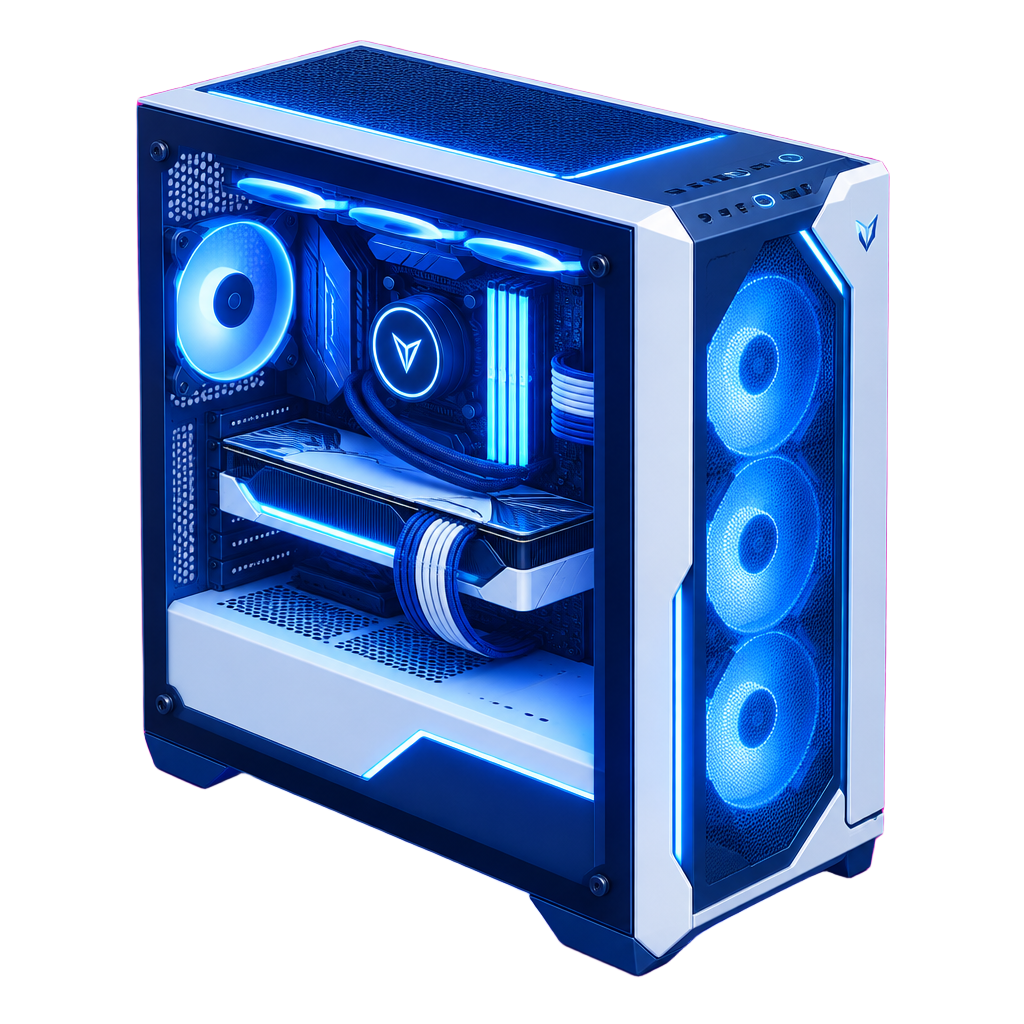
The graphics card market in 2026 looks very different from the one most builders remember. Five years ago, a GPU purchase was mostly a gaming decision: you picked a resolution, a refresh rate, and a budget, and the right card more or less fell out of a benchmark chart. Today, the same card is just as likely to be running a local language model, rendering video for a client, training a small vision model, or doing all three in the same afternoon. That shift has changed what we look at when we spec a GPU system for a customer, and it has changed which numbers on the spec sheet actually deserve attention.
VRAM is the new headline spec
For gaming, video memory used to be a quiet background number. As long as a card had enough to hold textures at your target resolution, extra VRAM did very little. Local AI flipped that completely. When you run a language model on your own hardware, the model weights have to fit in memory, and if they do not, performance collapses as data shuffles between the GPU and system RAM. A card with less compute but more memory will often beat a faster card that has to spill.
In practice, we now treat VRAM as the first filter for any build that touches AI. Twelve to sixteen gigabytes is a comfortable floor for gaming at high resolutions and for experimenting with small quantized models. Twenty-four gigabytes opens the door to mid-sized models running at good speed and to image generation without constant compromises. Anything beyond that, whether in a single workstation card or across multiple consumer cards, is where serious local inference and fine-tuning begin. The question we ask every customer is not which card is fastest, but what is the largest model or dataset you realistically need to hold at once.
Memory bandwidth decides how fast it feels
Once a model fits, the next bottleneck is how quickly the GPU can read those weights. Token generation in language models is heavily bandwidth bound, which is why two cards with similar compute ratings can feel dramatically different in day-to-day use. Newer memory standards have pushed bandwidth up meaningfully this generation, and that improvement shows up more clearly in AI workloads than in most games.
For creators, bandwidth matters in a different way. Large timelines, high-resolution color grading, and 3D scenes with heavy geometry all benefit from a card that can move data quickly. When we compare options for a creator workstation, we look at bandwidth alongside the specific applications the customer uses, because software support for hardware acceleration varies a lot between editing suites, renderers, and plugins.
Power and connectors are now a planning item
High-end GPUs draw serious power, and transient spikes can be much higher than the rated board power. That has real consequences. A power supply that looks adequate on paper can trip under load, and the newer high-current power connectors demand careful cable routing and full seating to avoid problems. For multi-GPU builds, the conversation quickly moves beyond the PC itself to the circuit it is plugged into.
A single high-end gaming PC typically lives comfortably on a standard household circuit. Two or three high-power GPUs in one chassis, running sustained AI workloads, can push a fifteen-amp circuit uncomfortably close to its limits once you add a monitor, speakers, and whatever else shares that breaker. This is exactly where our hardware and electrical planning overlap: we will flag when a build likely needs a dedicated circuit and coordinate with a licensed electrician rather than guessing.
Cooling and noise are part of the spec
Sustained AI workloads are different from gaming. A game varies its load constantly; a long inference or training job pins the GPU at high utilization for hours. That exposes weak cooling quickly. Cards with compact coolers that are fine for gaming can throttle or become loud under constant load, and stacking multiple cards tightly can starve the inner cards of air.
We plan cooling around the real duty cycle. That means looking at case airflow, card spacing, blower versus open-air designs in multi-GPU setups, and sometimes liquid cooling when noise matters, such as a workstation that sits in a home office or a recording space. A system that is quiet and stable at full load for eight hours is worth more than a system that wins a short benchmark and then spends the rest of the day throttling.
Platform lanes and expansion
Multi-GPU builds also force a look at the motherboard and CPU platform. Consumer platforms offer a limited number of PCIe lanes, which means a second or third GPU may run at reduced link width. For gaming, that rarely matters. For some AI workloads, especially those that split a model across cards, link bandwidth and topology can make a measurable difference. Workstation platforms with more lanes cost more but remove that ceiling, and they usually support more memory as well.
We also consider storage. Large models and datasets load faster from fast NVMe drives, and having enough capacity to keep several models and project files local saves a lot of waiting. A well-balanced AI workstation pairs its GPUs with enough system RAM, typically at least as much as total VRAM and often double, plus fast storage that does not become the new bottleneck.
Software support is not optional
The best hardware is useless if your tools do not support it well. Some AI frameworks and inference engines are most mature on one vendor ecosystem, while others have broadened support considerably. Creative applications vary just as much in which acceleration paths they use. Before we recommend a card, we confirm the customer's actual software stack, driver requirements, and operating system, because a mismatch there is one of the most common sources of frustration we see in builds people did on their own.
New versus used, and timing the market
GPU pricing remains volatile. New launches push prior-generation cards down, and AI demand can pull certain models up unexpectedly. Used cards can be excellent value, but they carry risk: unknown history, missing warranty, and sometimes heavy prior use. Our experience quoting hardware during earlier GPU demand cycles taught us to evaluate used options carefully, inspect for wear, and weigh the warranty difference honestly rather than chasing the lowest number.
We also caution against waiting forever for the next generation. There is always a better card coming. The right moment to buy is when a build solves a real need at a price that makes sense for your work, not when the market looks perfect.
How we spec a GPU system now
Our process for any GPU-heavy build starts with workload, not hardware. We ask what you will run, how large your models or projects are, how long jobs run, where the machine will live, how loud it can be, and what power is available. From there we choose VRAM capacity, then bandwidth and compute, then the platform, cooling, power supply, and electrical requirements, and finally confirm software compatibility.
That order matters. It keeps customers from overspending on compute they will not use, and from underspending on the memory and power planning that actually decide whether the system works well on day one. If you are planning a gaming rig, a creator workstation, or a local AI machine, our certified build partners can take that spec and turn it into a tested, delivered system, or we can hand you a parts list and a plan to build it yourself.